If you manage a website, you need to understand three critical files that live in your root directory: sitemap.xml, robots.txt, and llms.txt. While they might sound similar, each serves a completely different purpose. In this tutorial, I'll break down what each file does and why your website needs all three.
What is robots.txt?
The robots.txt file is your website's access control system for bots and automated programs. It tells search engines, crawlers, and other bots which pages they're allowed to visit and which ones they should stay away from.
For example, you might want to block bots from accessing your admin panel, shopping cart, or checkout pages. You do this by specifying "allow" and "disallow" rules for different user agents (the technical name for bots).
You can set rules for all bots at once, or target specific ones like Googlebot. You can even add crawl delays to prevent aggressive bots from overwhelming your server.
One important thing to know: robots.txt is a guideline, not a security measure. Good bots will respect it, but malicious programs can ignore it completely.
Your robots.txt file lives at: yourdomain.com/robots.txt
What is sitemap.xml?
The sitemap.xml file is a complete directory of all the pages on your website. Search engines like Google, Bing, and Yahoo use this file to discover and index your content more efficiently.
A typical sitemap includes:
- The URL of each page
- When it was last modified
- How often it changes
- The relative priority of each page
Large websites often split their sitemaps into multiple files. You might have separate sitemaps for blog posts, products, and regular pages, all referenced in a master sitemap index.
Your sitemap.xml file lives at: yourdomain.com/sitemap.xml
What is llms.txt?
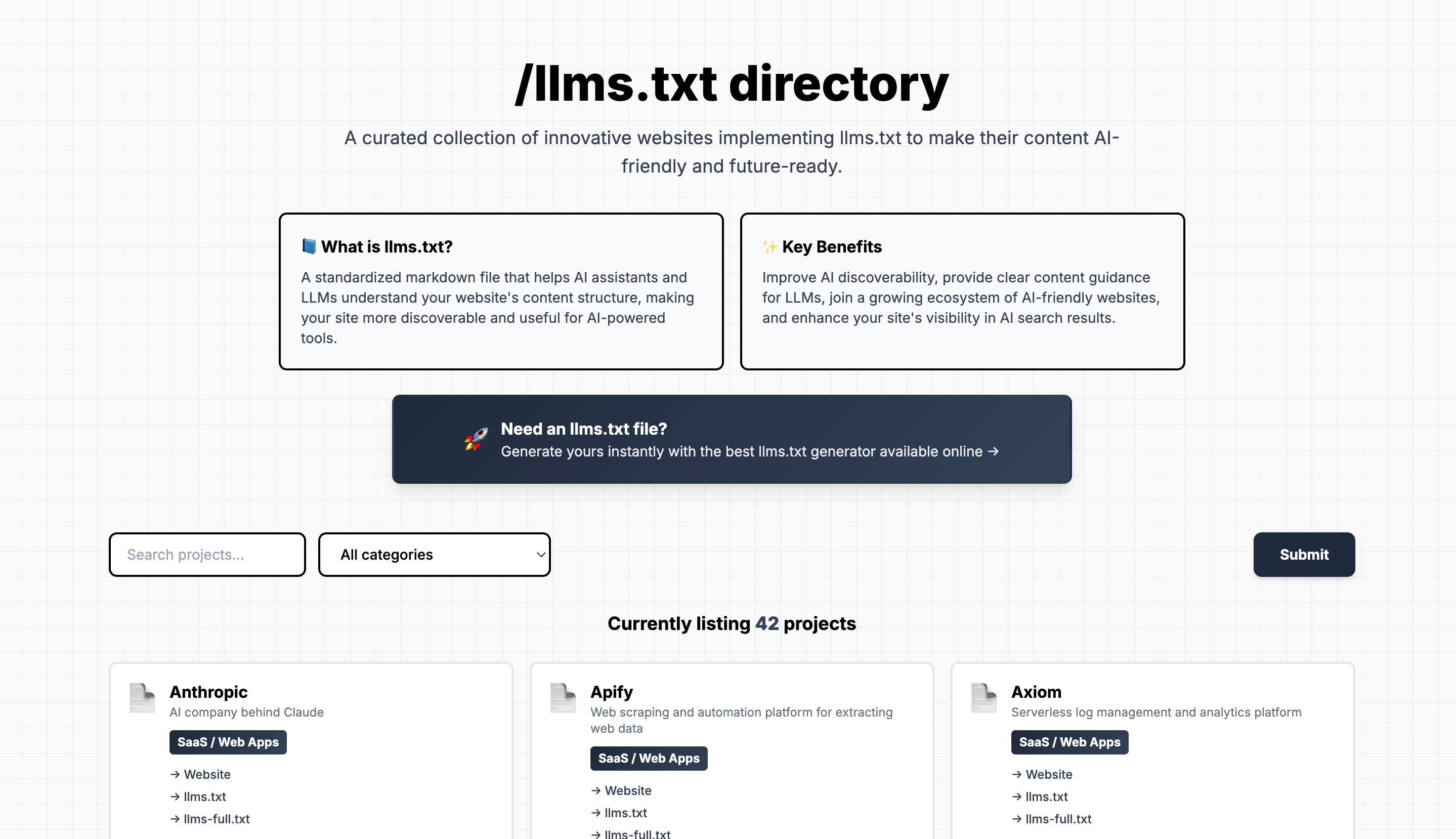
The llms.txt file is the newest standard, designed specifically for AI engines like ChatGPT, Claude, Grok, and Gemini.
Instead of making AI crawl all your pages individually, llms.txt provides a structured summary of your entire website in one place. It includes:
- A brief description of your website
- A list of all your important pages
- A short summary of each page
- Links to the full content of each page (stripped of HTML and formatting)
Many websites also create an llms-full.txt file that contains all page content in a single text file, making it even easier for AI systems to understand your entire site in one pass.
Your llms.txt file lives at: yourdomain.com/llms.txt
How They Work Together
Think of these three files as different ways to help different systems understand your website:
- robots.txt tells bots what they CAN and CANNOT access
- sitemap.xml tells search engines what pages EXIST on your site
- llms.txt tells AI systems what your pages are ABOUT
Why All Three Matter
Each file serves a specific audience:
- robots.txt protects sensitive areas and manages server load
- sitemap.xml helps you rank in traditional search engines
- llms.txt helps AI systems discover and recommend your content
As AI-powered search becomes more prevalent, having an llms.txt file is becoming just as important as having a sitemap.
How to Create Your LLMS.txt File
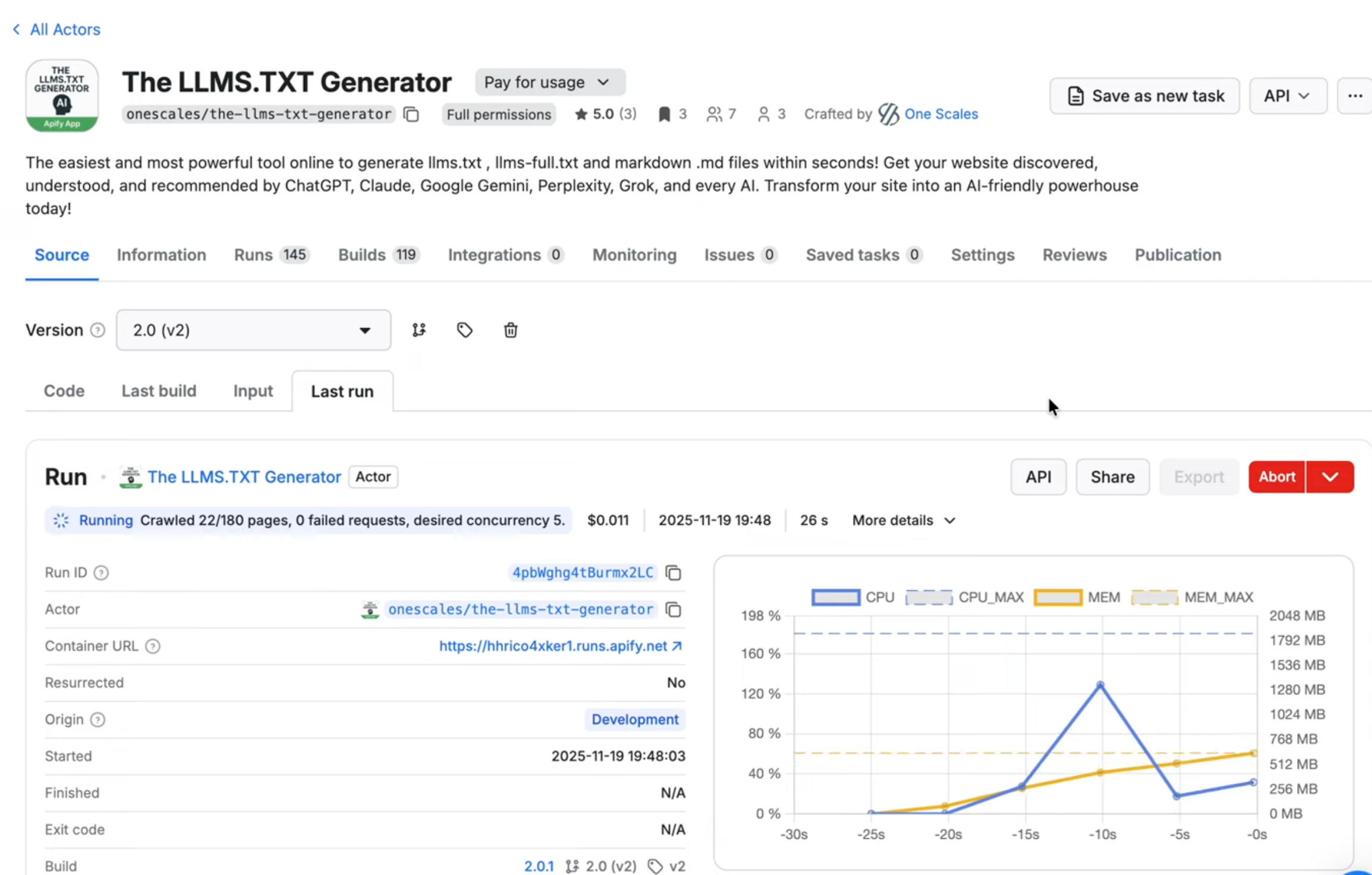
Creating robots.txt and sitemap.xml files has been standard practice for years, but llms.txt is newer. We've built a tool that automatically generates llms.txt and llms-full.txt files for your website in minutes.
LLMS.txt Generator Tool: https://apify.com/onescales/the-llms-txt-generator
Step-by-step tutorial: https://www.youtube.com/watch?v=63a3XTI8uNY
Full video explanation: https://www.youtube.com/watch?v=eCU5YfImGK4
Getting Started
Visit any website and add /robots.txt, /sitemap.xml, or /llms.txt to the end of the domain to see if they've implemented these standards. You'll quickly see which sites are optimized for search engines and AI discovery.
If your website doesn't have an llms.txt file yet, now is the perfect time to create one. The sooner you implement it, the sooner AI systems can properly understand and recommend your content.