A cryptographic hash creates a unique "fingerprint" for any content accessible via URL. Whether it's a webpage, image, PDF, or video, the hash algorithm processes the entire file and generates a fixed-length string that changes completely if even a single byte of the content changes.
Why Hash URLs?
Track Website Changes - Know instantly when competitors update pricing, products, or content
Verify File Integrity - Confirm downloads haven't been tampered with or corrupted
Find Duplicates - Identify identical files across different URLs (same hash = identical content)
Monitor Content - Detect unauthorized changes to your own web properties
Quality Control - Track when scraped websites change structure
How It Works
When you hash https://example.com/image.jpg:
- The tool downloads the complete image file
- Processes every byte through a hash algorithm
- Returns a unique fingerprint like
6f5635035f36ad500b...
If that image changes by even one pixel, you get a completely different hash.
What gets hashed:
- Webpages → Complete HTML source code
- Images → Full image file data
- PDFs → Entire document content
- Videos/Archives/Any file → Complete raw bytes
Hash Algorithms
SHA-256 ⭐ Recommended
64 characters, excellent security, industry standard
MD5
32 characters, fastest, good for quick comparisons
SHA-512
128 characters, maximum security for sensitive content
Using URL to Hash
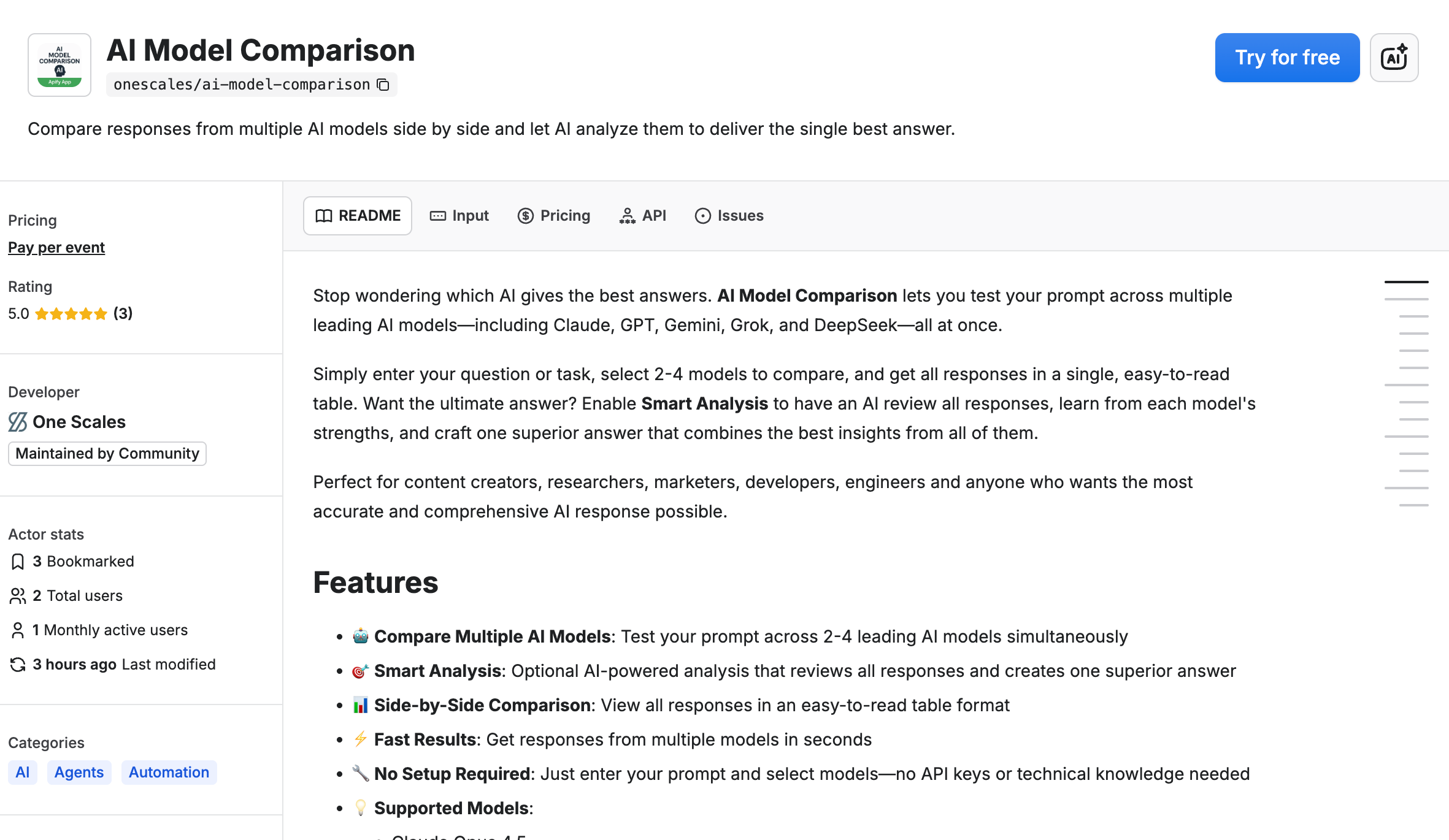
We built URL to Hash on Apify to make this simple—no coding required.
Step-by-Step Guide
1. Open the tool
Visit apify.com/onescales/url-to-hash and click "Try for free"
2. Add URLs
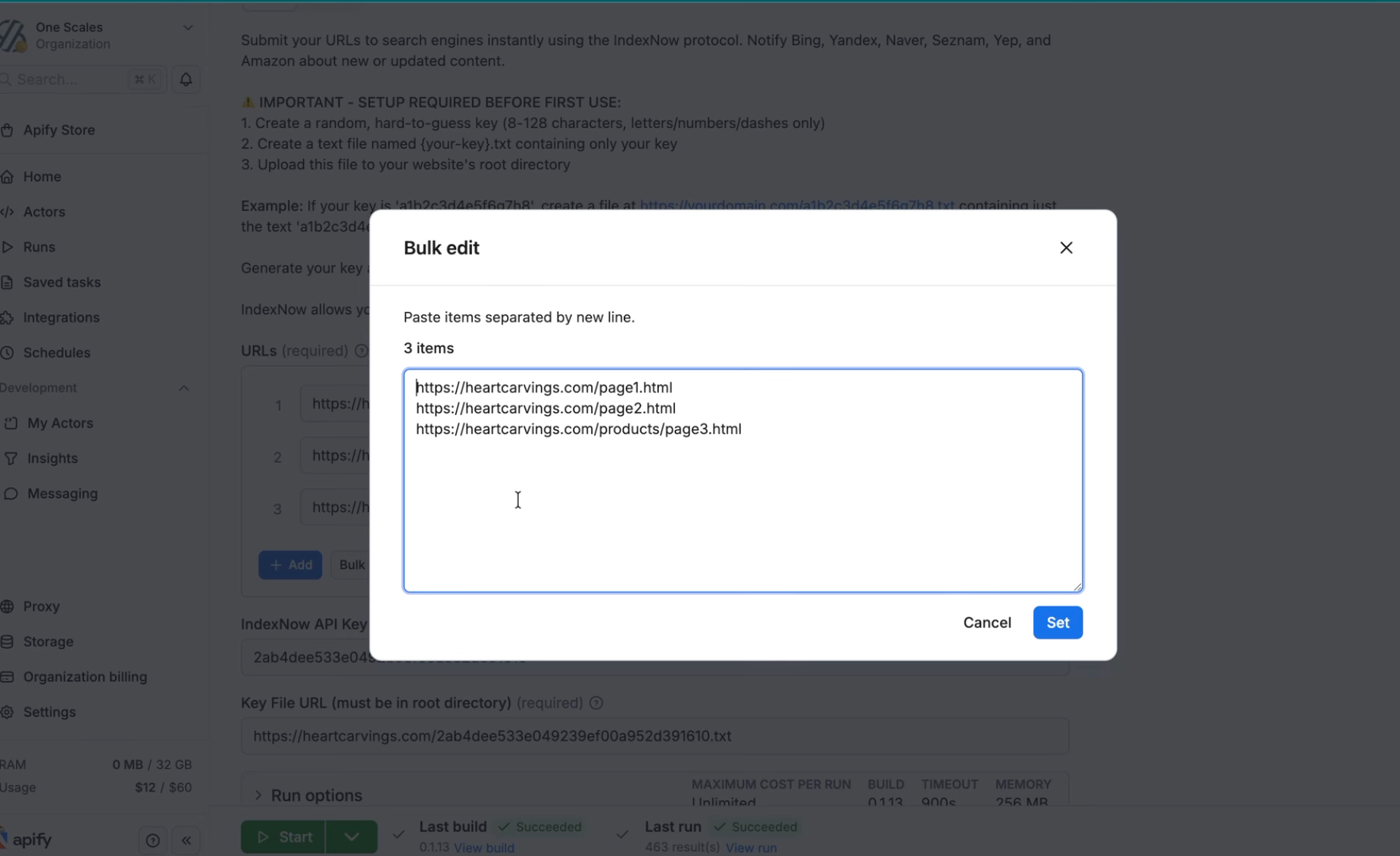
Enter the URLs you want to hash:
https://competitor.com/pricing
https://example.com/document.pdf
https://site.com/image.png
Supports any file type: webpages, images (JPG, PNG, GIF), documents (PDF, DOCX), spreadsheets (XLSX, CSV), videos, archives, etc.
3. Choose algorithm
Select SHA-256 (recommended), MD5, or SHA-512
4. Run
Click "Start" and get results in seconds
5. View results
See URL, hash, algorithm, and status. Export to CSV/JSON.
6. Automate
Schedule recurring runs to monitor changes over time
Real Example
Day 1: competitor.com/pricing → 6f5635035f36ad500b...
Day 2: competitor.com/pricing → 6f5635035f36ad500b... (unchanged)
Day 3: competitor.com/pricing → a948904f2f0f479b8f... (CHANGED!)
Different hash on Day 3 = they updated pricing!
Best Practices
✅ Use SHA-256 for most applications
✅ Store hashes over time to track changes
✅ Set up scheduled runs for automated monitoring
✅ Compare new hashes against historical values
✅ Process related URLs in batches for efficiency
Limitations
⚠️ Dynamic content - Pages with timestamps/session IDs hash differently each time
⚠️ JavaScript rendering - Only hashes initial HTML (not JS-rendered content)
⚠️ Public URLs only - Cannot access password-protected content
⚠️ Direct links - Must be direct file URLs, not download pages
Common Use Cases
E-commerce - Track competitor pricing and product changes
Legal - Monitor contract and policy updates
Security - Verify software download integrity
Marketing - Detect competitor campaign changes
Web Scraping - Quality control for data pipelines
Asset Management - Find duplicate files across systems
Get Started
Free tier available. Hash any URL in under a minute. No credit card or coding required.