If you've ever published a new blog post, updated a product page, or made changes to your website and wondered "when will Google and other search engines see this?" — you're not alone. Traditionally, you'd have to wait for search engine crawlers to discover your updates, which can take days or even weeks.
But there's a better way.
Introducing IndexNow: The Fast Lane for Search Engine Indexing
IndexNow is an open protocol that allows you to instantly notify search engines when your website content is created, updated, or deleted. Instead of waiting for the search engines to crawl your pages to find new changes, you can just tell the search engines, "I changed these pages," and the search engines will come and visit those pages much, much quicker.
Think of it as the difference between waiting for someone to check their mail versus sending them a text message. IndexNow is the text message.
Which Search Engines Participate in IndexNow?
When you submit URLs through IndexNow, they are automatically shared with all participating search engines:
- Microsoft Bing - The second-largest search engine
- ChatGPT (via Bing) - AI-powered search and recommendations
- Yandex - Russia's largest search engine
- Naver - South Korea's dominant search engine
- Amazon - For product discoverability
- Seznam - Czech Republic's leading search engine
- Yep - Privacy-focused search engine
Important note: Google does not currently participate in IndexNow, but continues to test the protocol. Your content will still be indexed by Google through their traditional crawling process.
Who Benefits from Using IndexNow?
IndexNow is perfect for:
- Content publishers who need articles indexed faster for timely traffic
- E-commerce sites updating product listings, prices, and inventory
- News sites publishing time-sensitive breaking news
- Marketing agencies managing multiple client websites
- Developers who want to automate URL submissions via API
- SEO professionals looking to improve indexing speed and efficiency
Easy IndexNow: Our Solution
At One Scales, we built Easy IndexNow to make the IndexNow protocol simple and accessible for everyone. Whether you're a solo blogger or managing hundreds of websites, our app handles the technical details so you can focus on creating great content.
Key Features
- Instant Submission — Notify all participating search engines with a single submission
- Bulk Processing — Submit up to 10,000 URLs per run
- Detailed Logging — See exactly what's happening during submission
- Error Handling — Clear status and error messages for each URL
- Export Ready — Download results as JSON, CSV, or Excel
- No Code Required — Just paste your URLs and API key
- API Integration — Connect with Make.com, N8N, Zapier, IFTTT, and more
Step-by-Step Tutorial: How to Use Easy IndexNow
Let me show you exactly how to use it. It's very easy, and if you have any questions, as always, let me know.
Step 1: Get Started
- Go to apify.com
- Register a free account
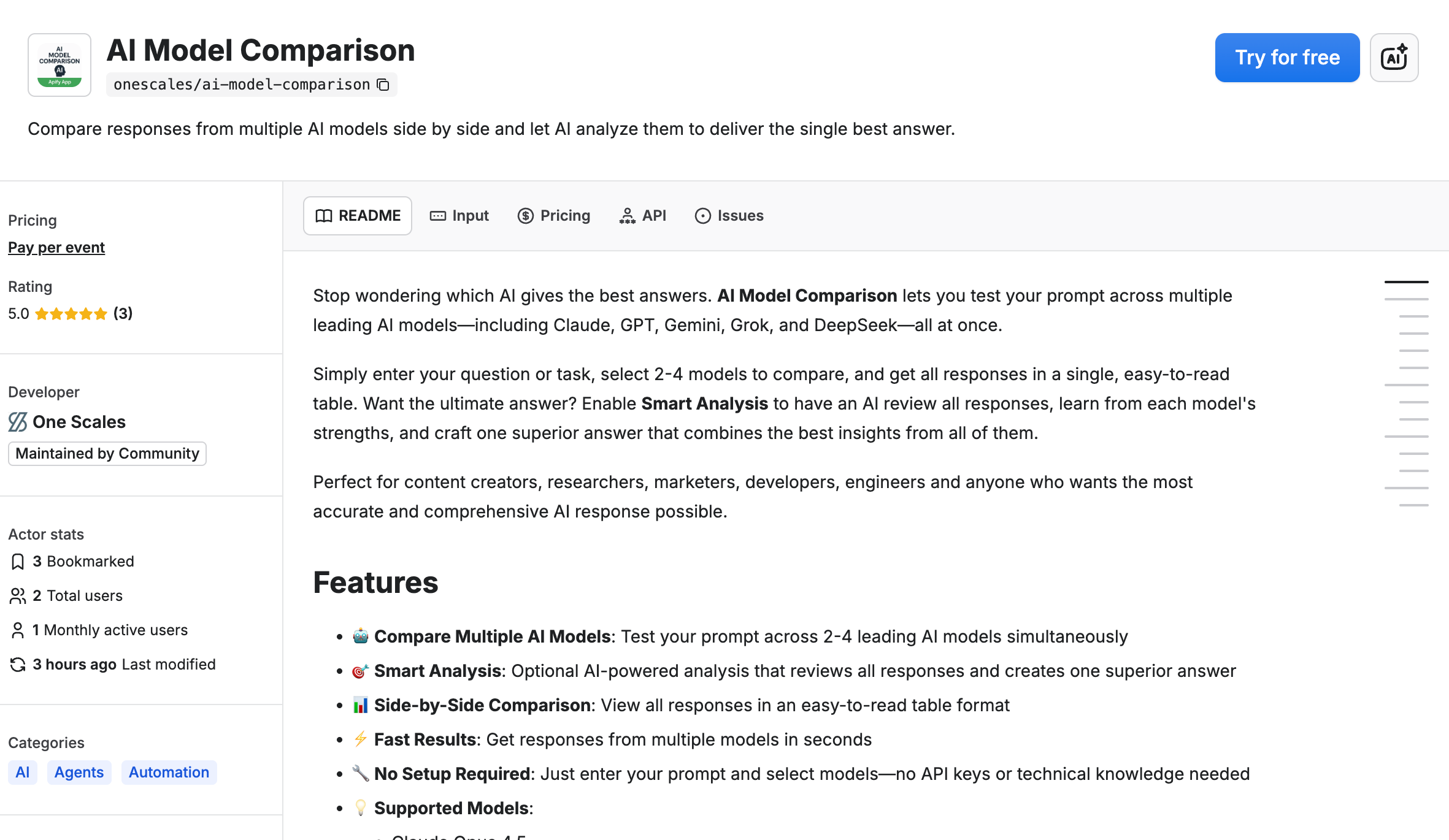
- Navigate to the app store and type in "Easy IndexNow" or "IndexNow" or visit https://apify.com/onescales/easy-indexnow
- Click on "Try for free"
Step 2: Add Your Changed URLs
Once you're in the app, you're going to go to the Input tab, and you're just going to specify the pages that have changed.
You can either:
- Add them one by one by one, or
- Click on the bulk edit and add them row by row by row
For developers: You can also do this programmatically via APIs or connect an automation system such as Make.com, N8N, IFTTT, or Zapier.
Step 3: Verify Your Domain Ownership
Once you input all the pages that changed, you need to confirm that you are the owner or the manager of the website. You will need to place a specific file in the root directory to specify to the search engines that you are actually the owner of these pages.
How do you do that?
- Click on "Microsoft Bing IndexNow key generator"
- It'll scroll down and you just click on "Generate"
- It'll generate a unique key and a unique file that you just need to upload to the root directory of your website
- Click on "Download" and download it to your computer
Step 4: Upload the Verification File to Your Website
Now you need to upload the verification file to your website's root directory.
What is the root directory? Whatever is right after the .com. For example, if your site is heartcarvings.com, the root directory would be heartcarvings.com/[your-key-file].txt.
Quick example for Shopify users:
- Go to your Shopify admin
- Navigate to Content → Files
- Upload your key file
Important for Shopify: In Shopify, you cannot upload to the root directory, so you do need to create a 301 redirect. If you can upload to the root directory on other platforms, you do not need to have a 301 redirect.
Step 5: Configure Easy IndexNow
Go back to the app and specify:
- Your unique key - Paste it in the designated field
-
The URL with the key - Specify the location of the special file you just uploaded
- Example:
heartcarvings.com/a1b2c3d4e5f6.txt
- Example:
- Click on "Save"
Step 6: Submit Your URLs
Click on "Start" and let Easy IndexNow work its magic.
Step 7: Review Your Results
Great, it completed! Now you can:
- Scroll down all the way to see row by row the URLs and the status
- Verify that URLs successfully succeeded to submit to the search engines
- Export results to CSV or JSON if you're integrating with other tools
- Click on "Download" to save your results
Usage Limits and Best Practices
Daily limit: You can submit to the search engines up to 10,000 pages per day. If you have more than that, you will have to split it into multiple days.
Best practices:
- Only submit URLs that have actually changed or are newly published
- Avoid submitting the same URL repeatedly in a short time
- Wait at least 10 minutes between submissions for frequently updated content
- Remember that submission doesn't guarantee indexing — search engines still evaluate content quality
Understanding the Results
Each URL returns a status code:
| Status | What It Means |
|---|---|
| success (200) | URL submitted successfully |
| pending (202) | URL received, key validation pending |
| error (400) | Invalid format |
| error (403) | Key not valid (not found or incorrect) |
| error (422) | URLs don't belong to host or schema mismatch |
| error (429) | Too many requests (rate limited) |
Automation & Integration Options
Easy IndexNow integrates seamlessly with your existing workflows:
- Apify API — Call programmatically from any language
- Webhooks — Trigger on URL changes from your CMS
- Make.com — Connect with 1000+ apps visually
- N8N — Build custom automation workflows
- Zapier — Automate from your favorite tools
- IFTTT — Simple if-this-then-that automation
Why This Matters for Your SEO Strategy
Instead of waiting days or weeks for search engines to discover your changes through traditional crawling, IndexNow allows you to:
✅ Get new content indexed faster - Minutes instead of days
✅ Update search engines immediately - When you make content changes
✅ Remove outdated URLs quickly - Submit 404s and redirects
✅ Improve freshness signals - Show search engines you're actively updating
✅ Save crawl budget - Help search engines prioritize what to crawl
Real-World Use Cases
E-commerce Store
"We update hundreds of product prices daily. Easy IndexNow automatically notifies search engines about these changes, helping our pricing stay competitive in search results."
News Publisher
"Breaking news needs to be indexed immediately. We integrated Easy IndexNow with our CMS so every published article is submitted instantly."
Agency Managing Multiple Clients
"Instead of manually submitting URLs for 50+ client sites, we automated the entire process with Easy IndexNow's API. It saves us hours every week."
SaaS Company Blog
"Our product updates and feature announcements are time-sensitive. Easy IndexNow ensures Bing and other search engines know about them right away."
Frequently Asked Questions
Does submitting URLs guarantee they'll appear in search results?
No. IndexNow notifies search engines of changes, but they still decide whether to index content based on quality, relevance, and their own criteria. Think of it as getting your content in front of the right people faster, not forcing them to index it.
Can I submit 404 pages or redirects?
Yes! You can submit dead links (404, 410) and redirects (301, 302) to notify search engines that content has changed or moved.
Do I still need a sitemap?
Yes. IndexNow complements sitemaps but doesn't replace them. Sitemaps tell search engines about all your pages; IndexNow notifies them of changes. Use both for best results.
How often should I change my API key?
Search engines only verify the key file once when they first receive it. You don't need to change your key often, but you can if needed for security reasons.
Can I use the same key for multiple domains?
Yes, you can use the same key across multiple hosts and domains, as long as you host the key file on each domain.
Get Started Today
Ready to speed up your indexing and get your content discovered faster?
👉 Try Easy IndexNow for free: apify.com/onescales/easy-indexnow
📺 Watch the full video walkthrough: YouTube Tutorial