At One Scales, we're always looking for the infrastructure gaps that open up as new tech rolls out, and Shopify's Global Catalog is a perfect example. Since 2026, Shopify has been quietly rolling out a feature called "Agentic," found under Sales Channels in your store's admin. If it's enabled, and it's on by default for nearly every merchant, your products become part of a shared catalog spanning the entire Shopify platform, one that AI systems can search and recommend from directly.
Most merchants don't even know this exists. Fewer still know whether their own products actually show up when AI searches for something they sell.
That gap is exactly why we built the Shopify AI Rank Checker, a free tool available on Apify that searches the Shopify Global Catalog the same way AI does, and tells you exactly where your products rank for any keyword.
How the Global Catalog Works
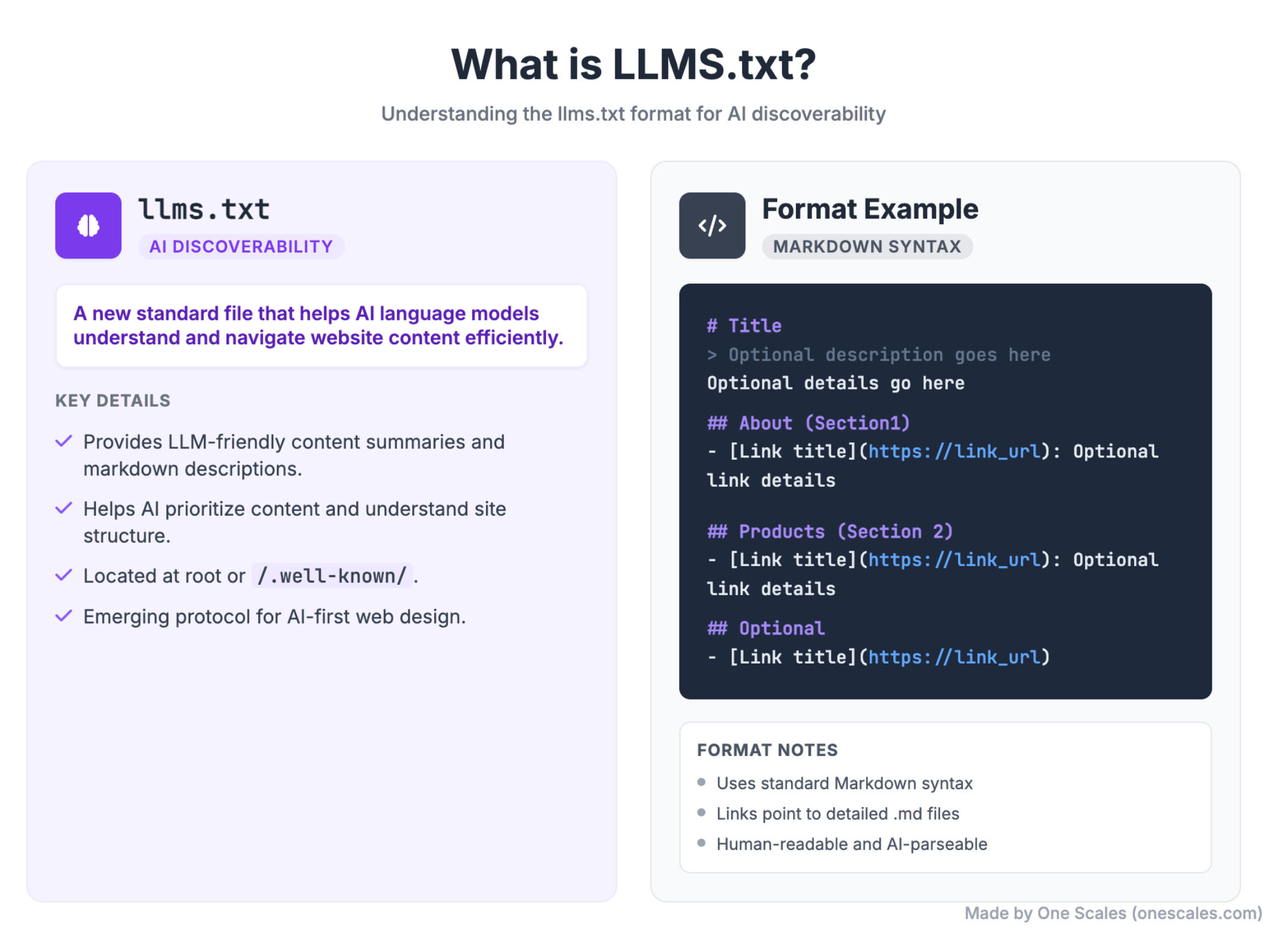
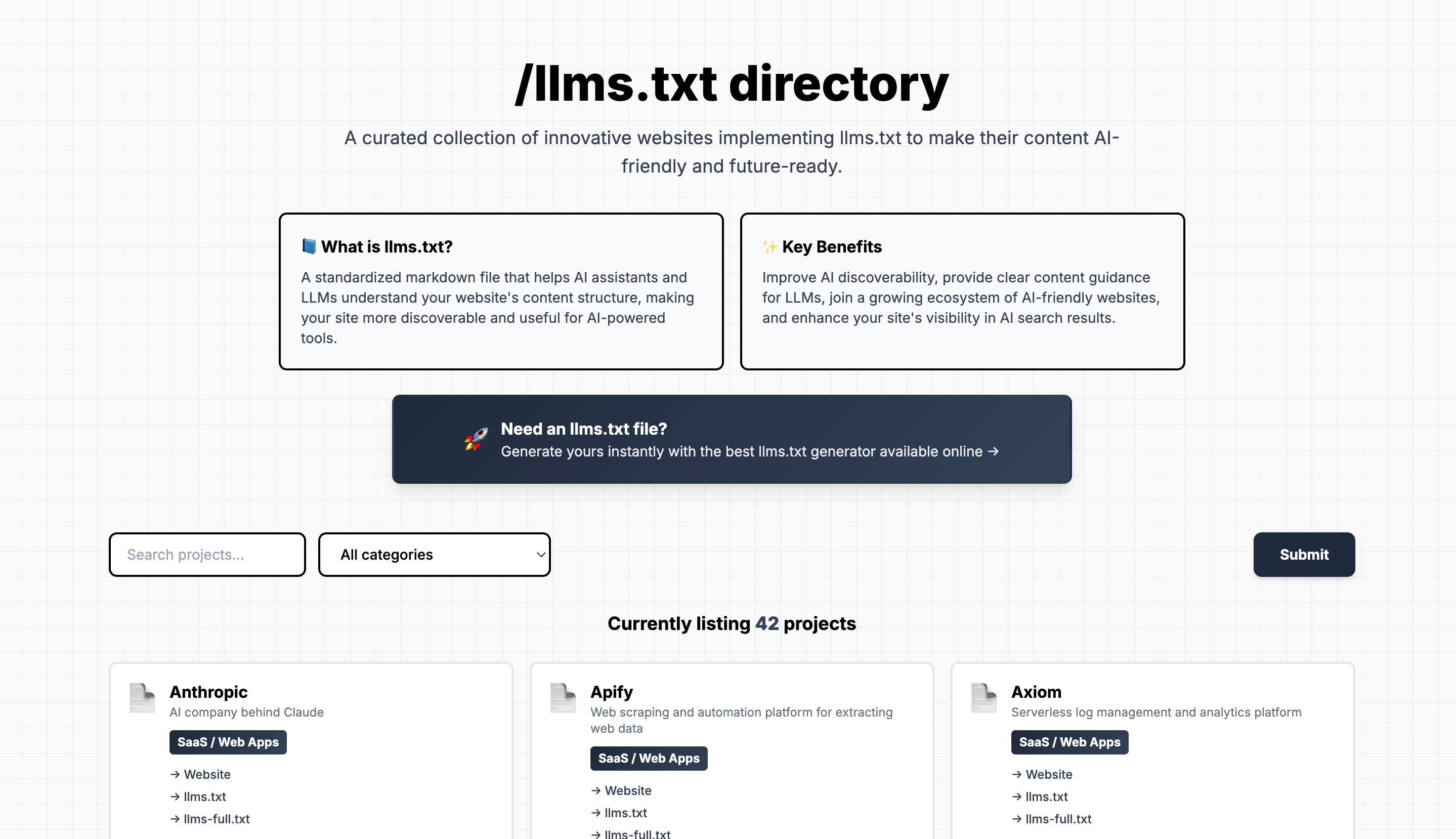
Once Agentic is enabled, your products join a catalog made up of every product from every Shopify store on the platform. You can see the underlying mechanism yourself by visiting your own domain and adding /llms.txt or /agents.md. Shopify uses this file to instruct AI systems on how to access your store's product data and catalog information.
Using the Tool
- Create a free account at Apify.com.
- Search the Apify Store for "Shopify AI Rank Checker."
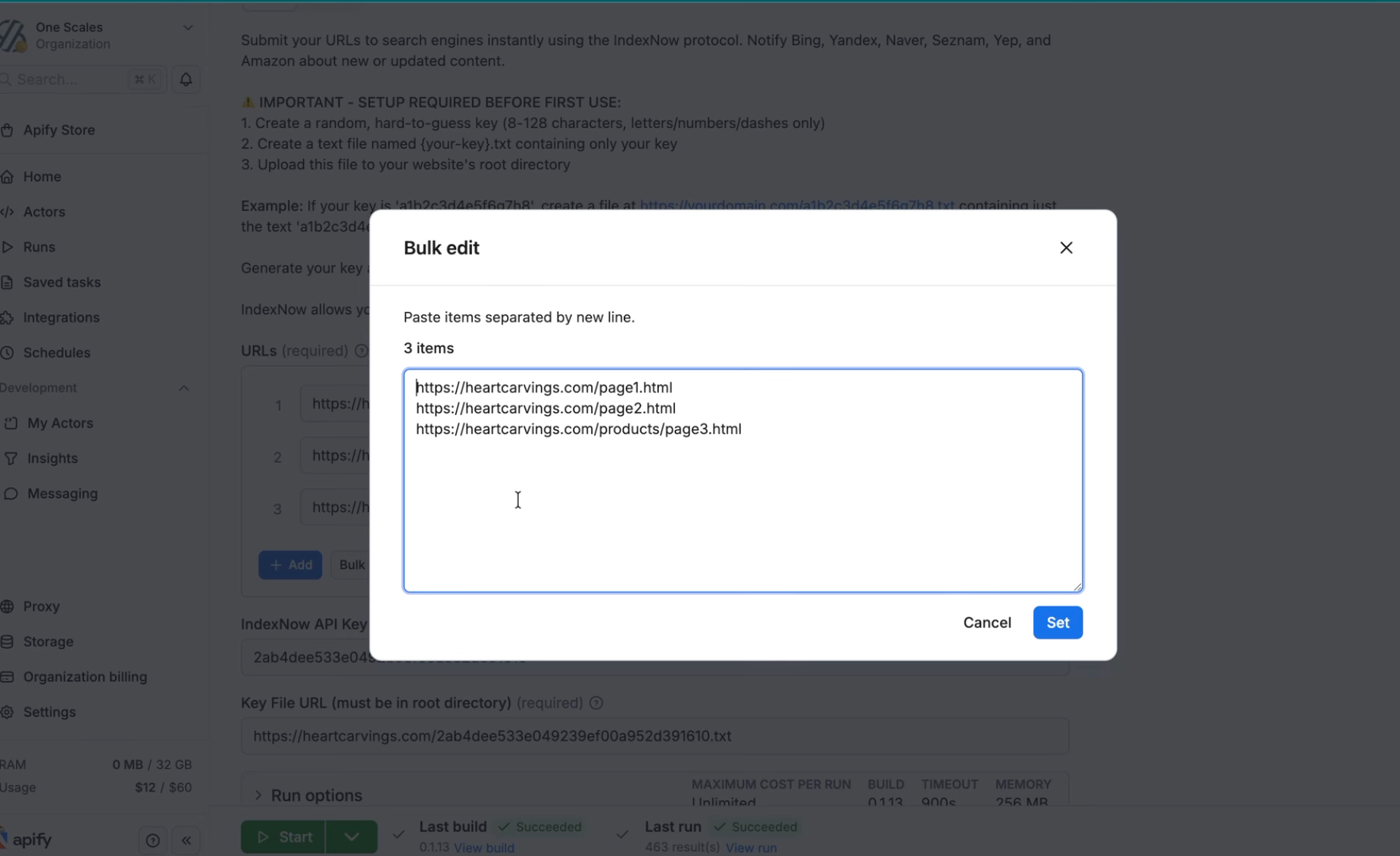
- Open the tool, go to the Input tab, and enter your domain plus the keyword you want to check. Add more keywords one at a time, or use Bulk Edit for a longer list.
- Click Start.
For teams building on top of this, the MCP Configurator lets you connect the tool directly to Claude, ChatGPT, or your own systems.
Reading the Output
Once a run completes, you'll see your ranking position for each keyword along with the matching product URL, plus the full list of top-ranking competitors for comparison.
For a deeper look, go back to Input, set report detail to "full," adjust the ships-to country if needed, and run it again. This pulls the top 100 results (rather than just the top 10) with full product data: name, ID, description, specs, pricing, images, and policy details. Everything exports cleanly to JSON, CSV, Google Sheets, or Excel for further analysis.
Try It
Tool on Apify: https://apify.com/onescales/shopify-ai-rank-checker?fpr=s9de8
Video walkthrough: https://www.youtube.com/watch?v=RLQLs9Q0oyI
Questions or ideas for improving the tool? Let us know, we're actively developing this one.