Uploading to IPFS usually means running your own node or wrestling with command-line tools. Not anymore.
Introducing Upload to Web3 - an open-source Apify app by One Scales that makes IPFS uploads ridiculously simple.
What Makes This Different:
No IPFS client installation. No node management. No technical setup. Just a simple web interface that handles everything from single files to bulk uploads of thousands.
The tool uses Pinata's pinning service behind the scenes, so your files stay permanently accessible on IPFS without you having to maintain any infrastructure.
Key Features:
- Bulk upload support (10 files or 10,000 - it handles it)
- Public or private files with custom expiration
- Export CIDs as CSV, JSON, or XML
- API integration for automation workflows
- Works with any publicly accessible file URL
- 100% open source - fork and customize however you want
Why This Approach Works:
Traditional IPFS: Install client → Run local node → Learn CLI commands → Manage pinning → Hope your node stays online
Upload to Web3: Paste URLs → Click run → Get permanent CIDs
Perfect For:
- NFT creators uploading collections
- Web3 video platforms
- Decentralized document storage
- Artist portfolios on IPFS
- Migrating existing content to Web3
How It Works (Quick Overview):
- Get a free Pinata API key at https://pinata.cloud/
- Open the app at https://apify.com/onescales/upload-to-web3
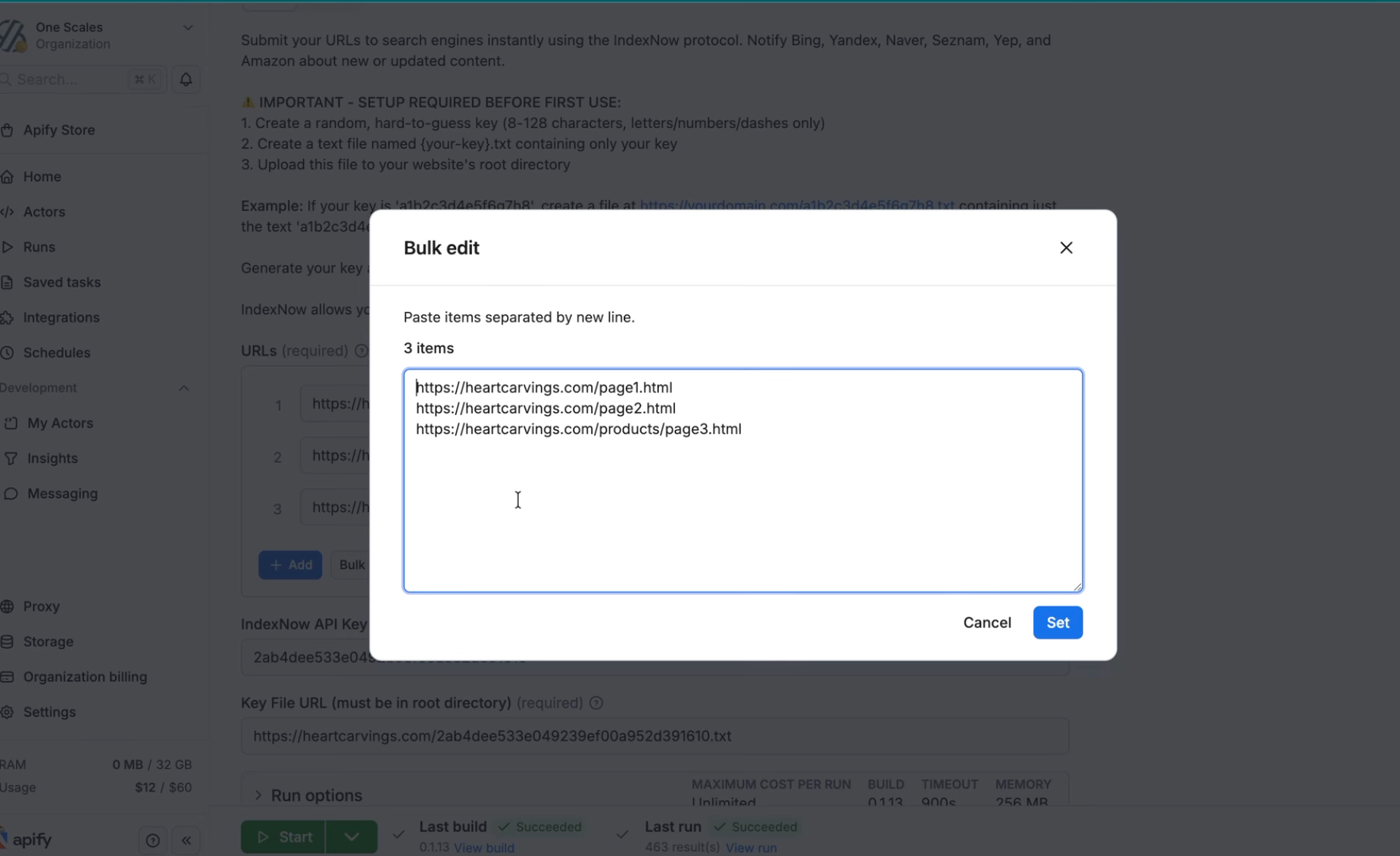
- Paste your API key and add your file URLs
- Choose public or private settings
- Click "Run" and get your CIDs in seconds
Pro Tips:
- Start with Pinata's free tier (1GB storage)
- Use bulk edit mode for large collections
- Integrate via Apify API for automated pipelines
- Export and save your CIDs for future reference
Try it now: https://apify.com/onescales/upload-to-web3
Open Source Code: https://github.com/onescales/Upload-to-Web3
The best part? Since it's open source, you can take the code, modify it for your specific needs, and deploy it to your own Apify account. Perfect for teams that need custom IPFS workflows without building from scratch.
No infrastructure. No complexity. Just simple, reliable Web3 storage.
Got questions about IPFS, Web3 storage, or the app? Drop them below!
#Web3 #IPFS #NFT #Blockchain #Decentralized #OpenSource #NoCode #Apify #WebDevelopment #Automation